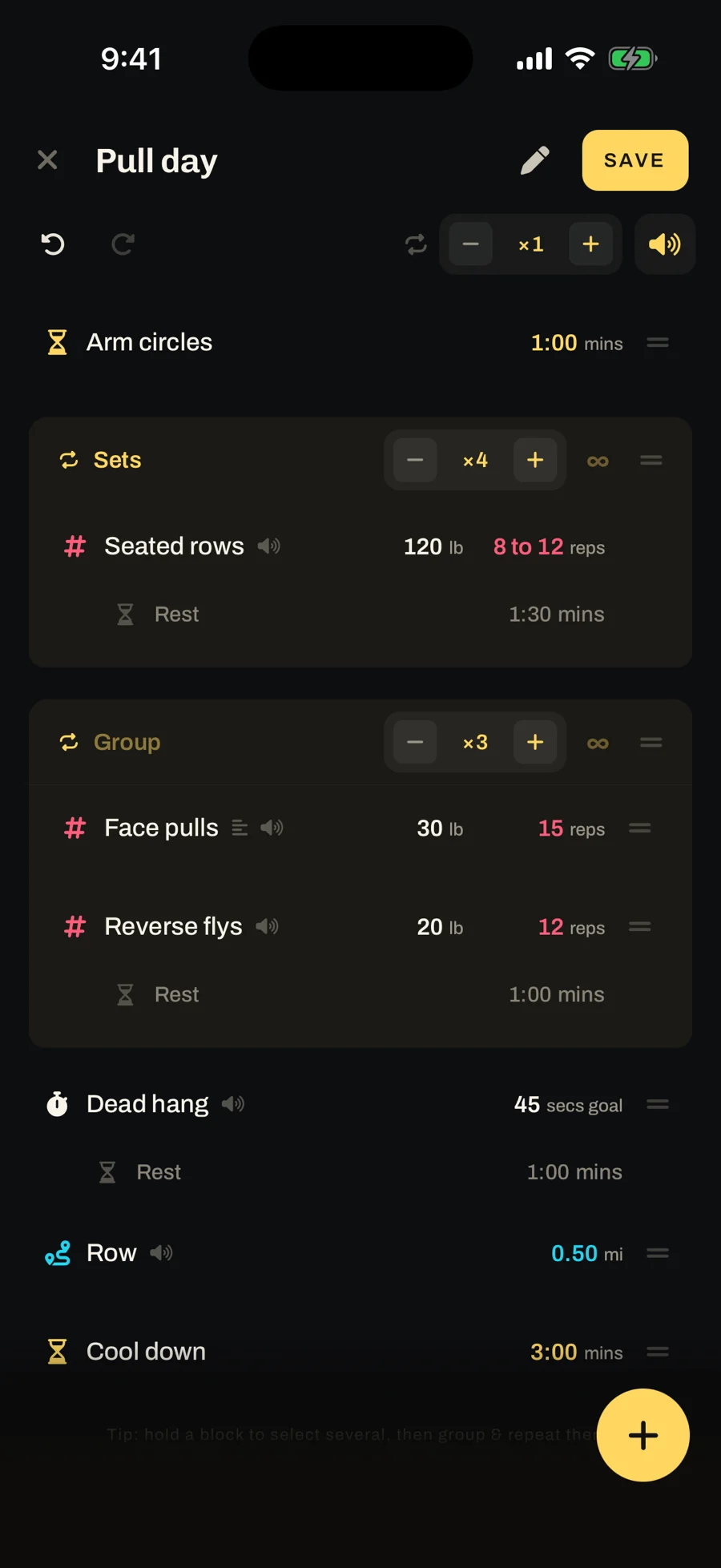
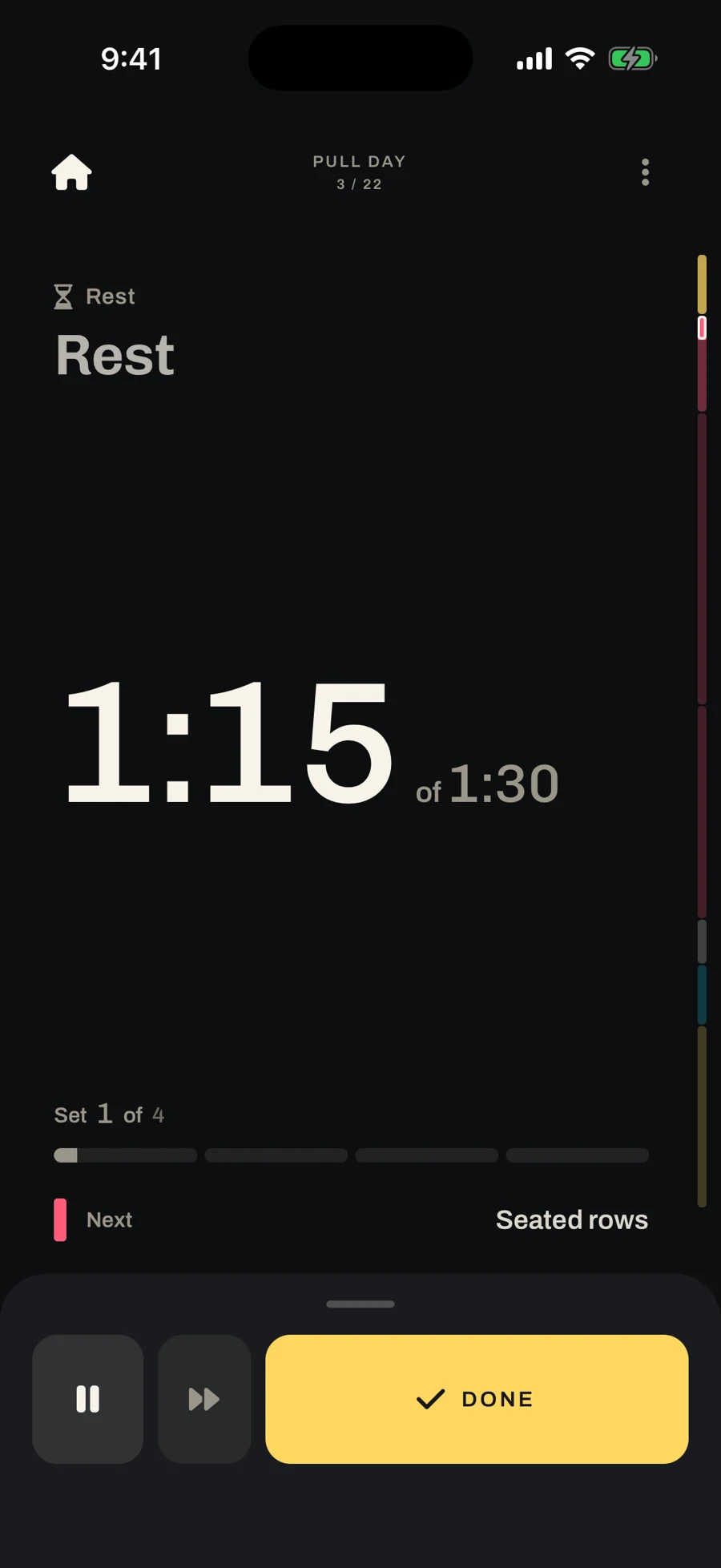
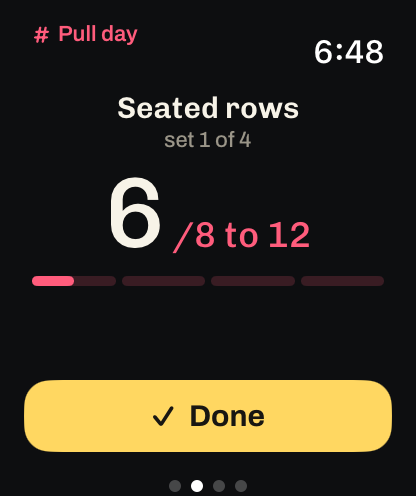
Timebox is an application that you set up once and press start. It walks you through every set, rest and mile, out loud, on your lock screen and on your watch, while the phone stays on the floor.
The same idea works for anything with steps and a clock. A Pomodoro, for instance, is 25 minutes of focus and a 5-minute break, repeated.
iOSApple WatchApple Health
ExpoReact NativeMobXFirestoreSwiftUINativeWind
The phone shouldn’t be your job mid-set
It started with interval pull-ups. Between sets I’d pick up the phone, open the clock, set a rest timer, put it down, and do the same thing again next set.
Runna had already shown me the other way. It talks to you during a run, so you never have to look at the screen. I wanted that for the rest of the gym: do the set, hit one button, and have it tell me what’s next and how long I have before it starts.
A companion, not a logbook
Most workout apps want to be your logbook. Dropset, Strong and Hevy are well made, but they’re built around recording every set and teaching you the movements. I already know what I’m doing. I wanted something that does only what I ask: a timer, a count, how far to run, when I’m done, how long I held it.
Made to sit beside your health apps
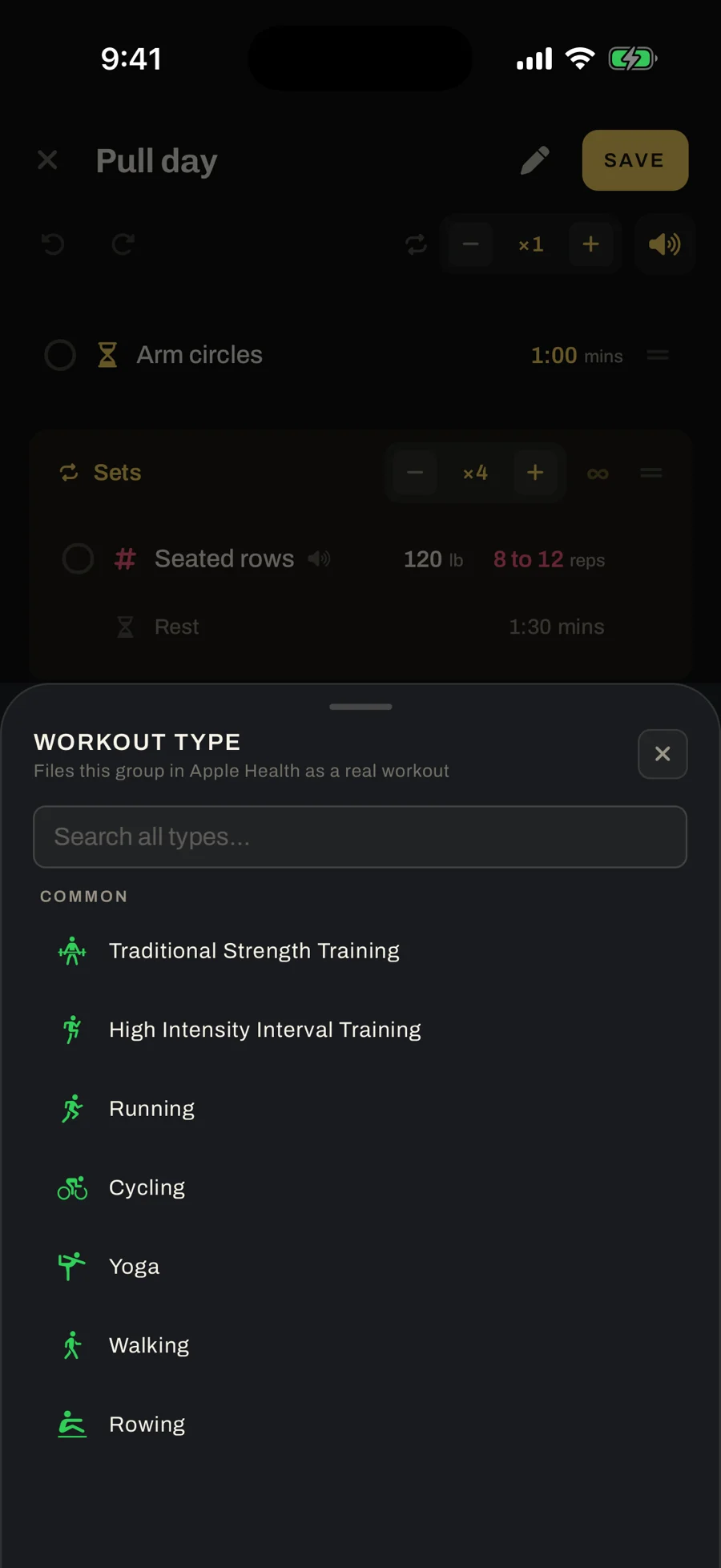
Timebox doesn’t try to be your health app. Mark a group as a workout type, like Traditional Strength Training or Running, and it files that group in Apple Health as a real workout. Anything you don’t mark stays out.
One block, four ways to measure it
Other apps treat drop sets, progressions and alternating sides as separate kinds of workout, each with its own screen. Underneath, they’re the same thing: you’re counting how much of something you do.
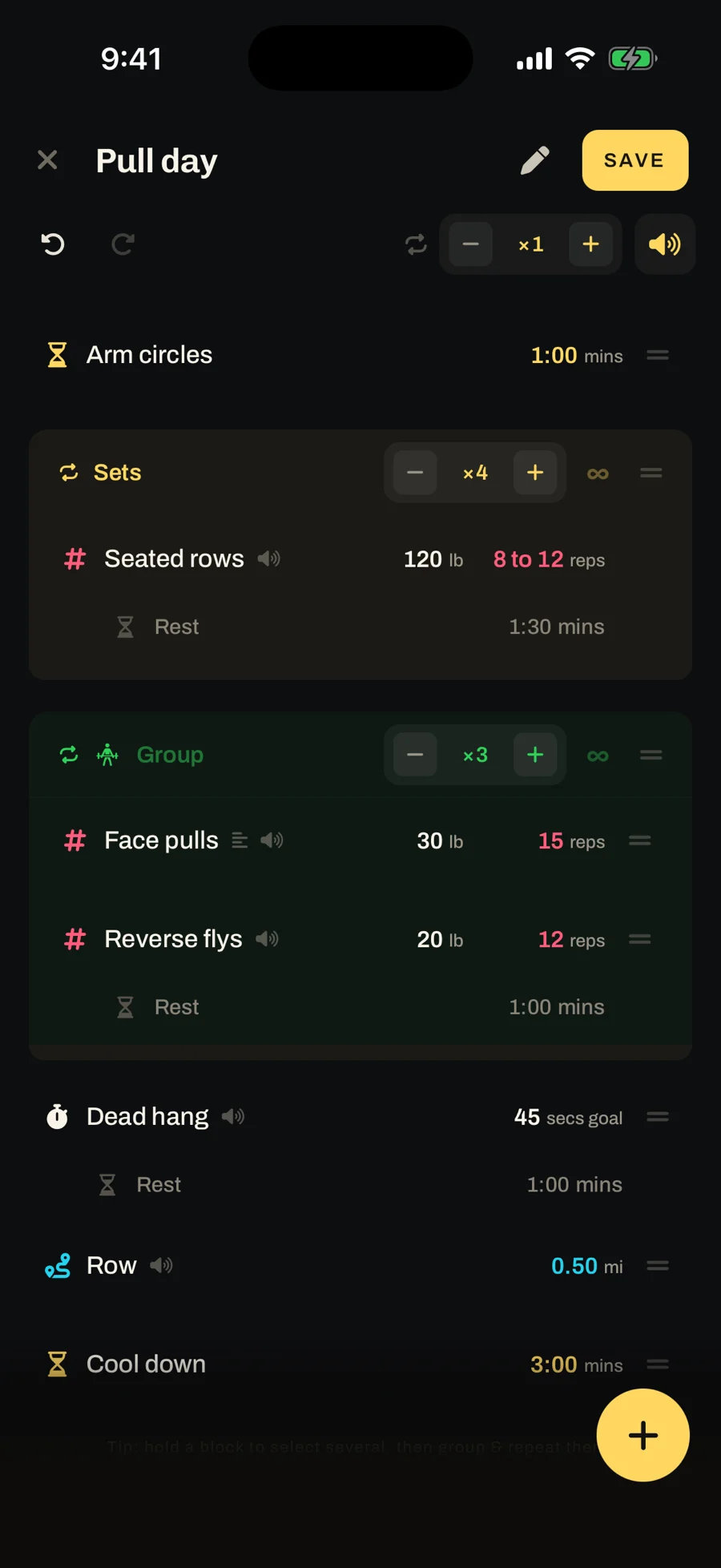
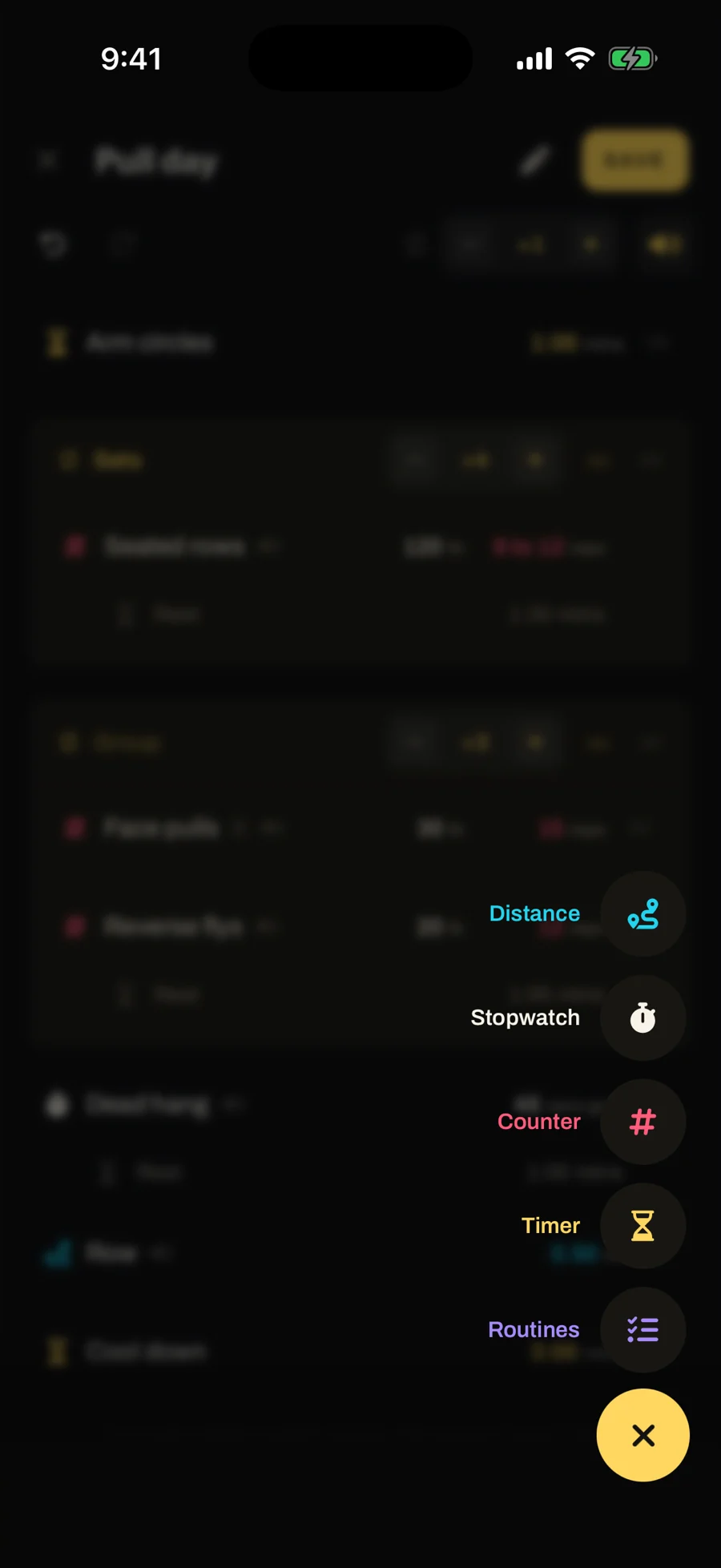
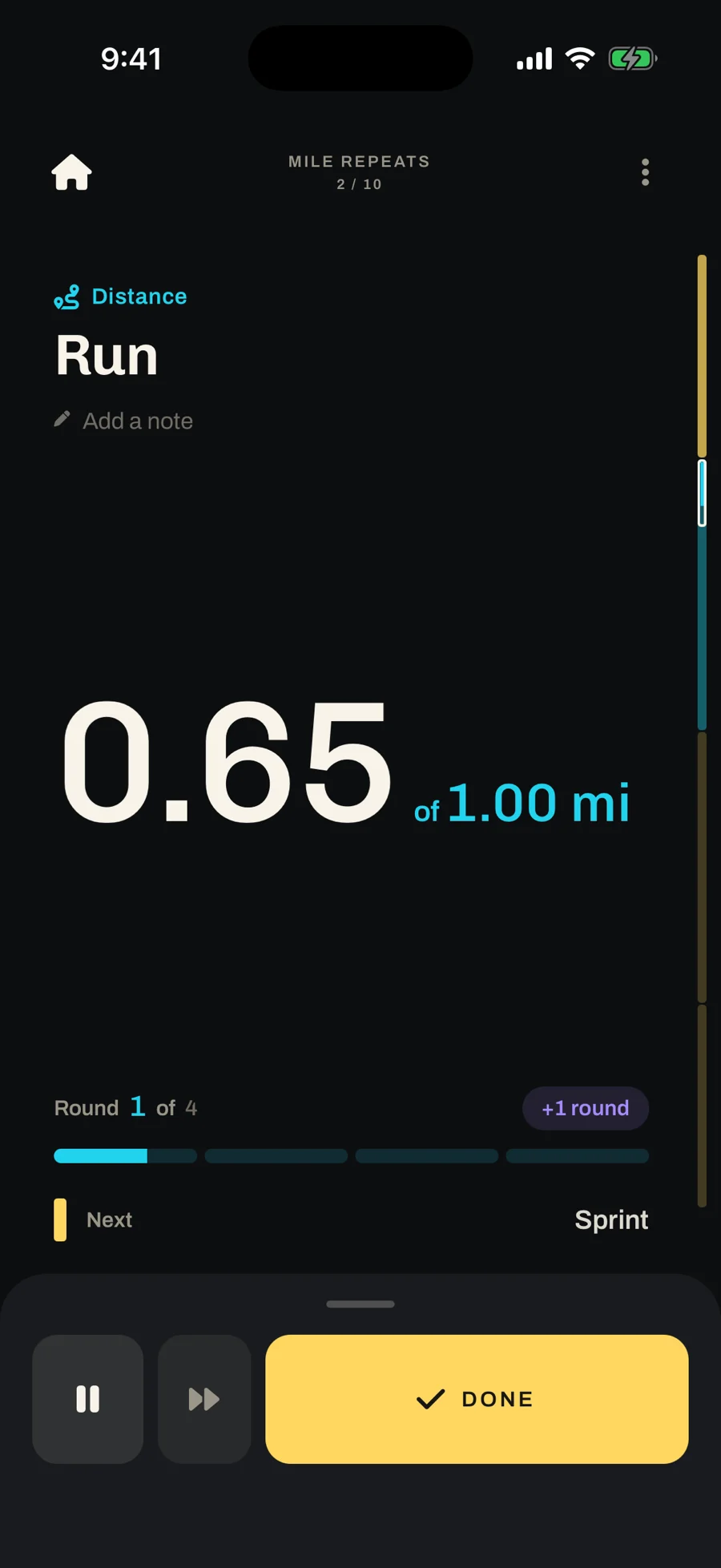
So Timebox has one block with four ways to measure it: a timer, a counter, a stopwatch, or a distance. A new block runs the moment you add it. If that’s all you need, you’re done. Sets, rest, weight and rep ranges live in the same sheet, empty until you fill them in.
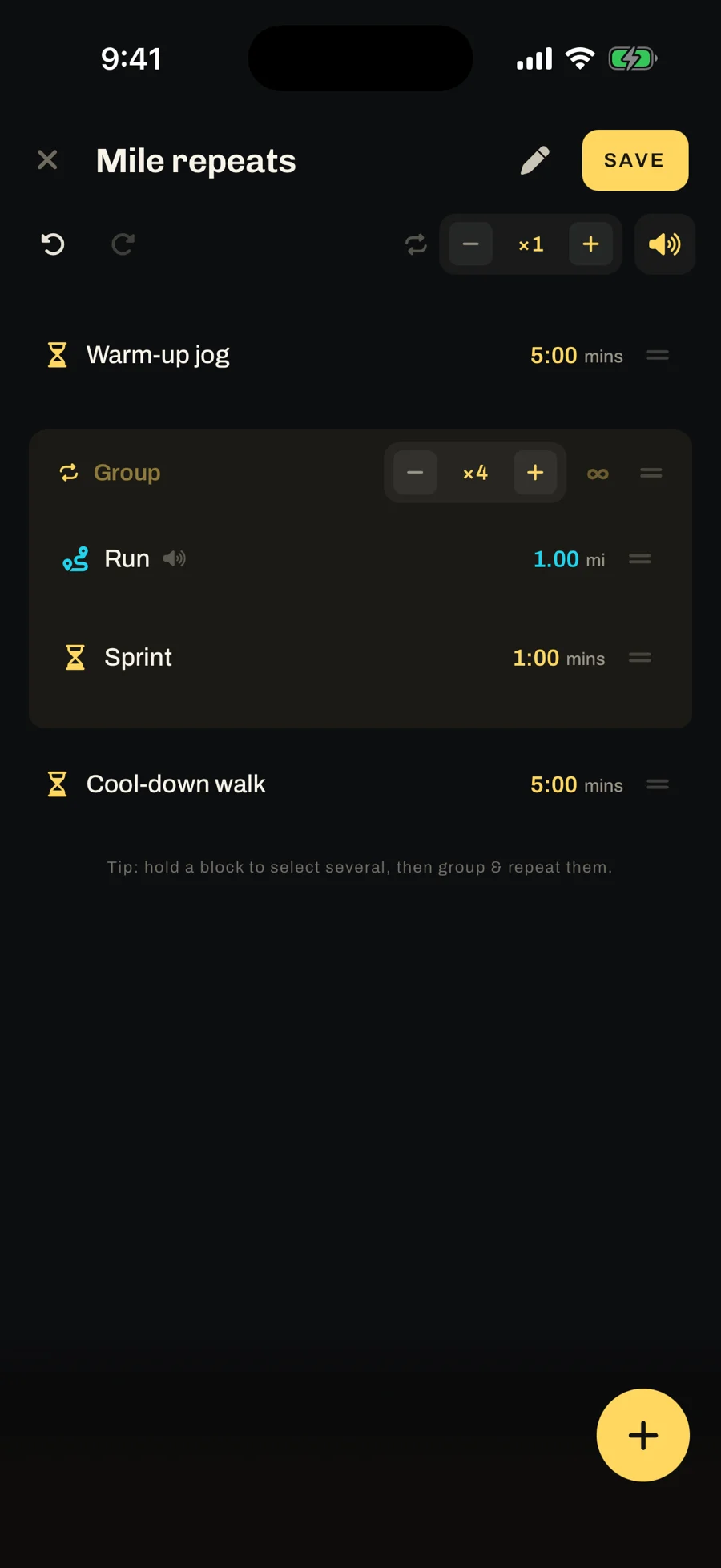
Mile repeats, set up once
Set it up once, and it moves from the mile to the sprint to the next mile without you touching it.
Warm-up jog 5:00
×4Run 1.00 miSprint 1:00
Cool-down walk 5:00
The routineSix lines in the editor
Round 1, the mile0.65 of 1.00 mi, Sprint up next
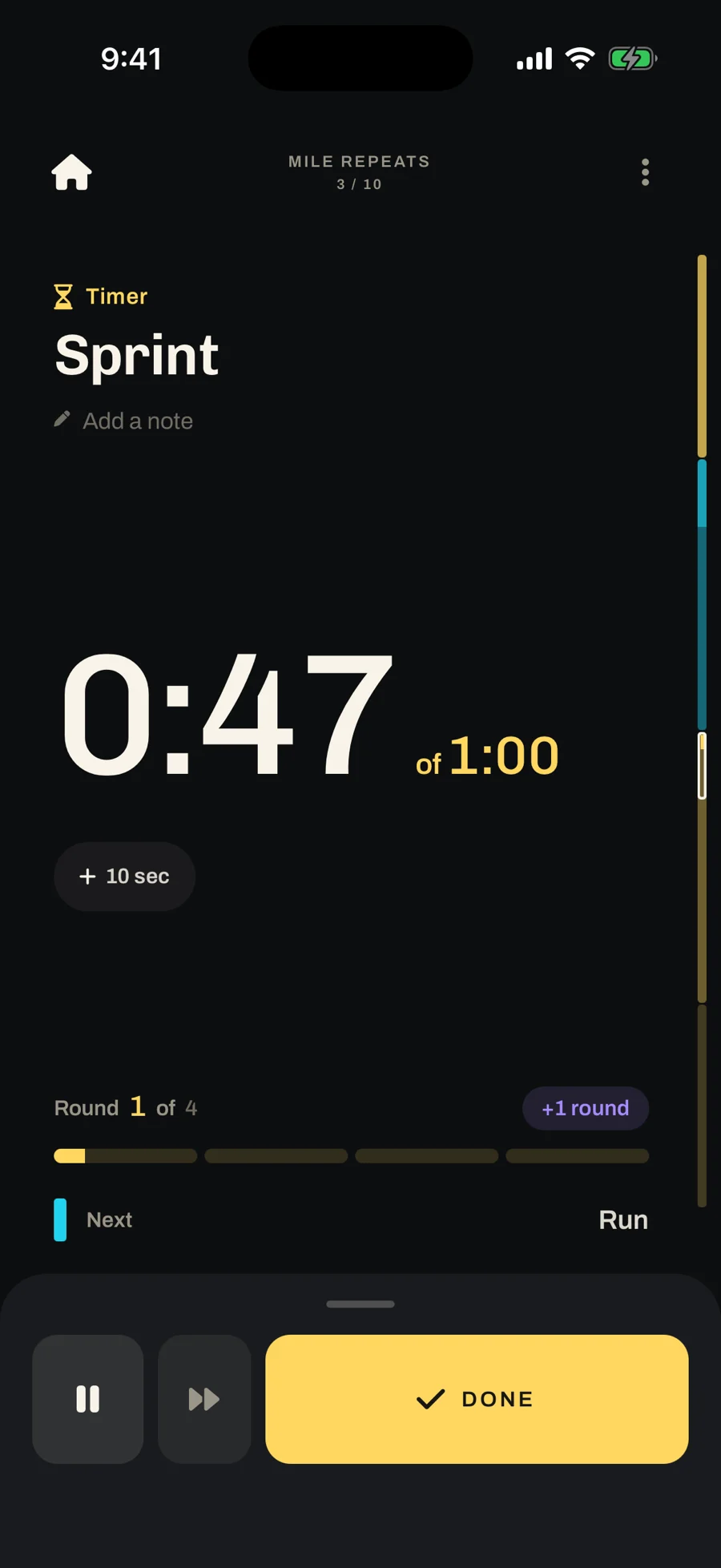
Then the sprintIt counts itself down and hands back
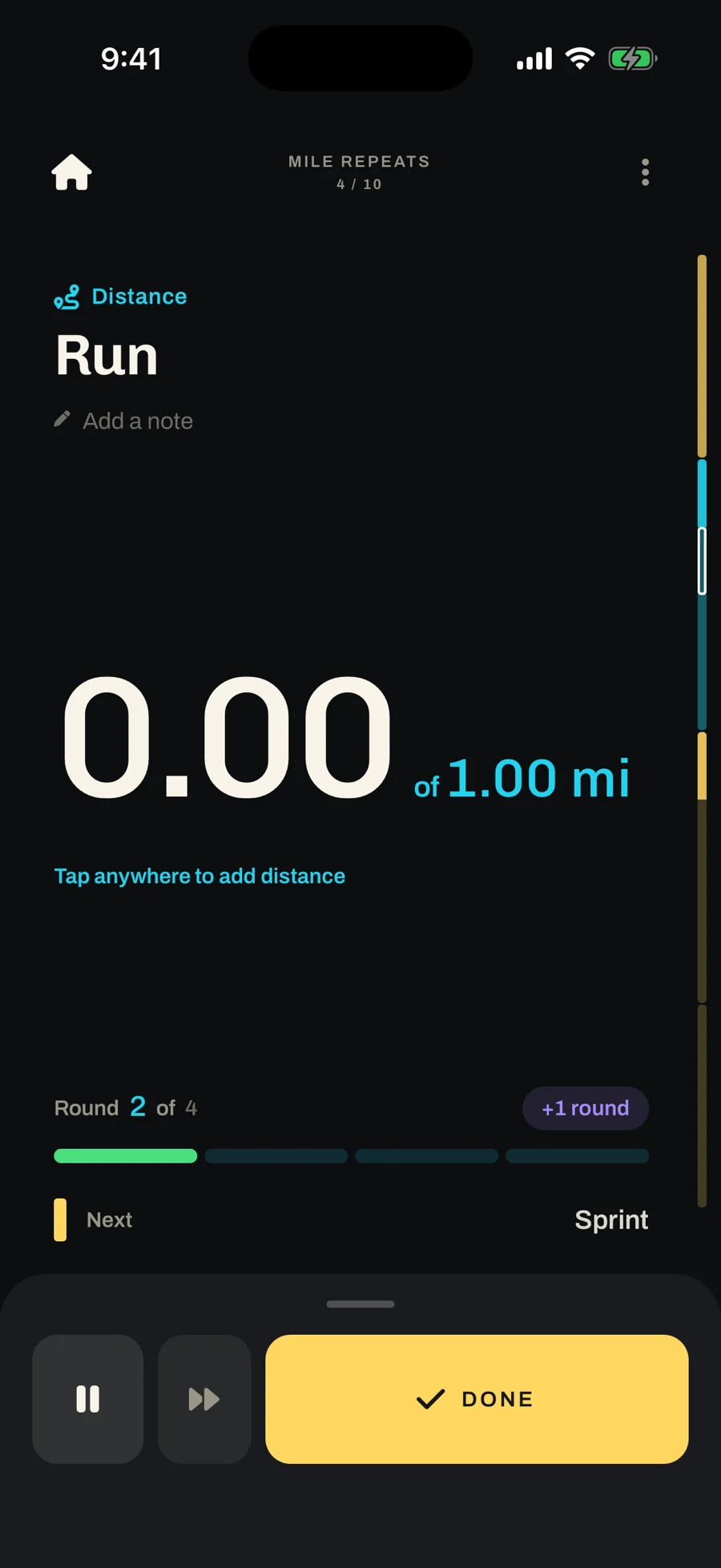
Round 2Round 1’s bar is filled in
Running mid-set
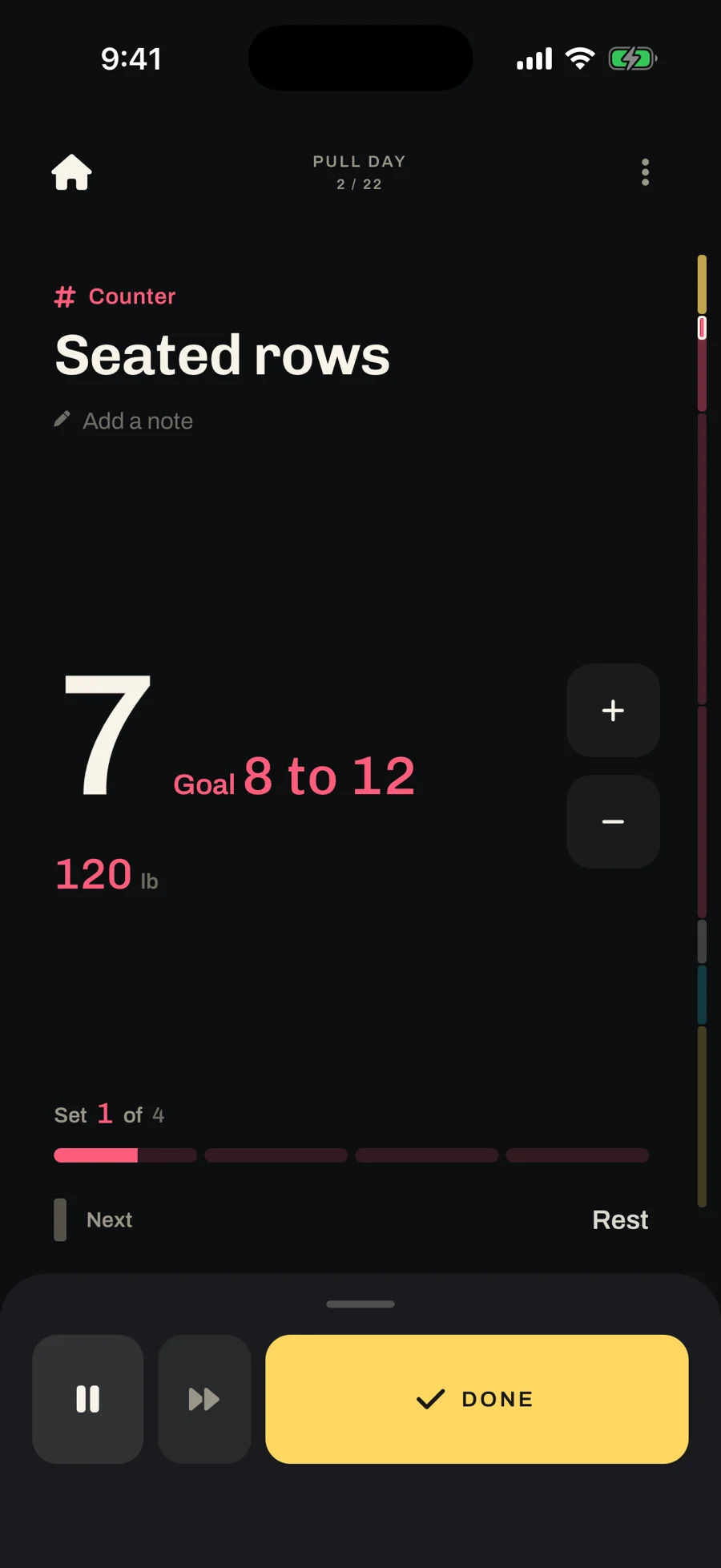
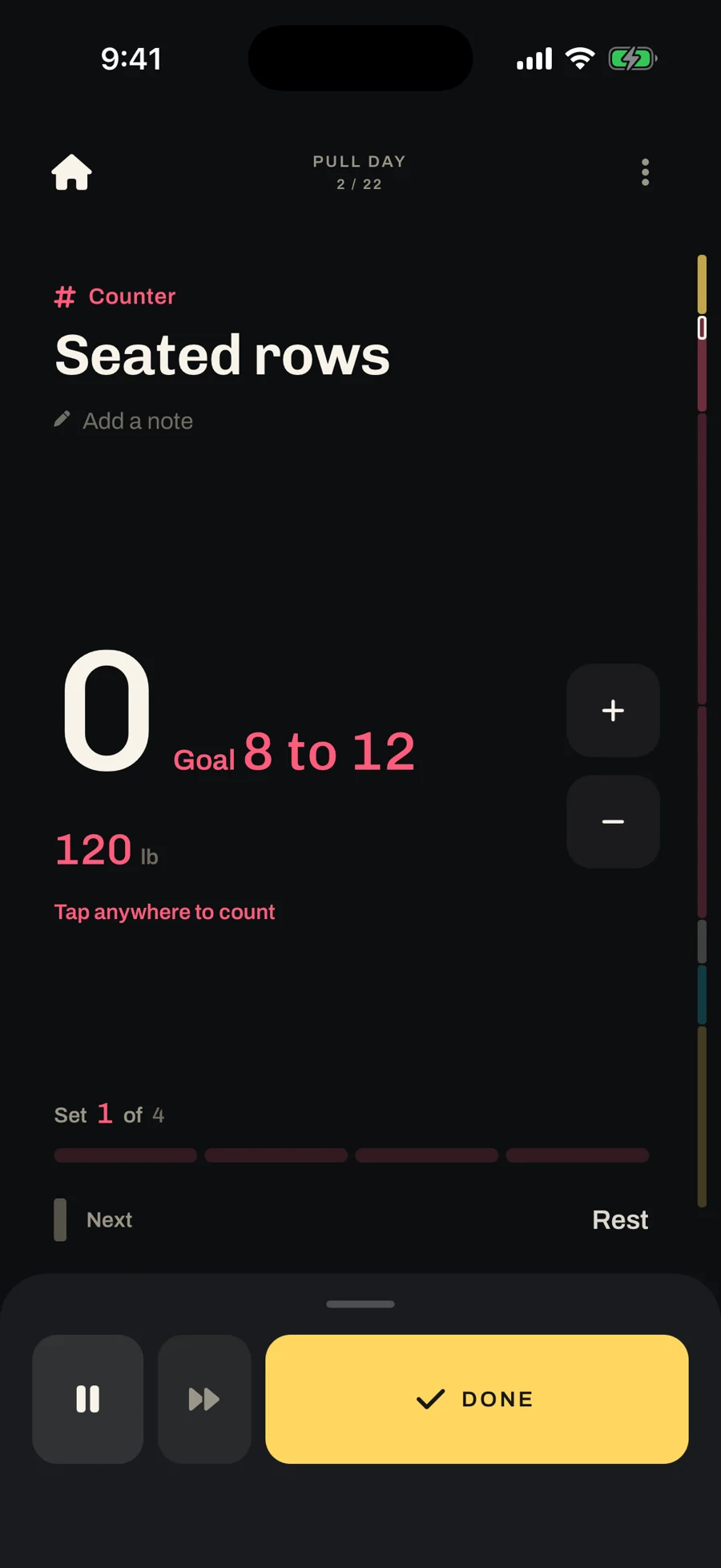
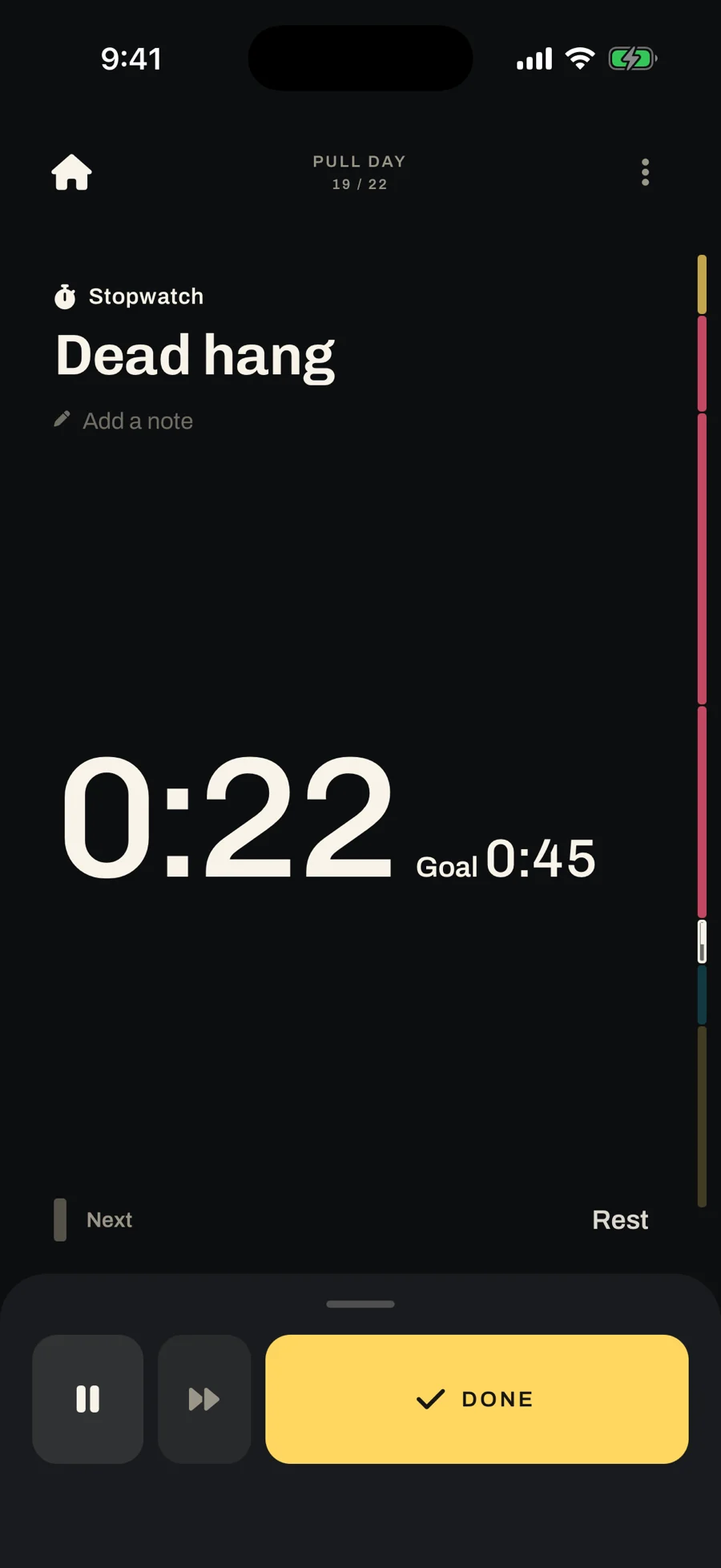
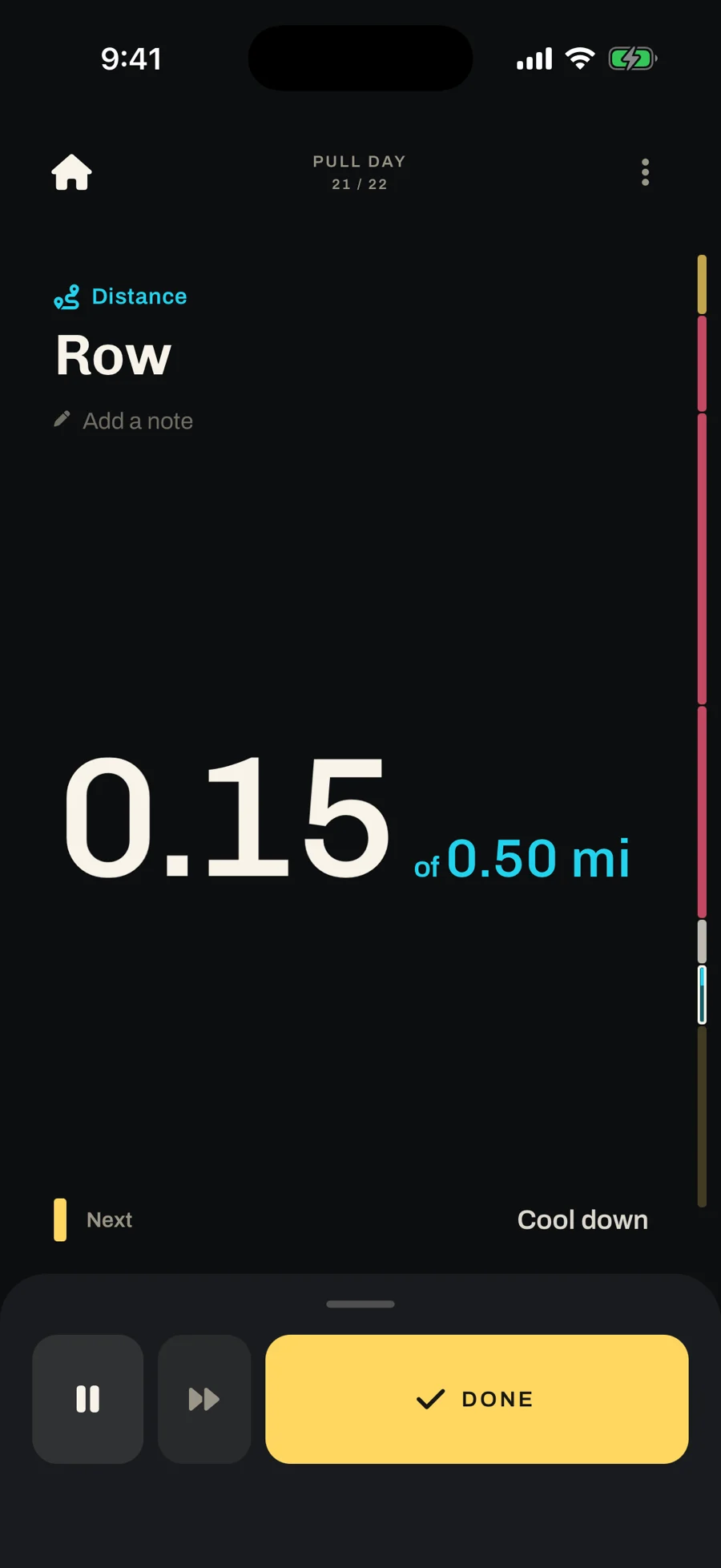
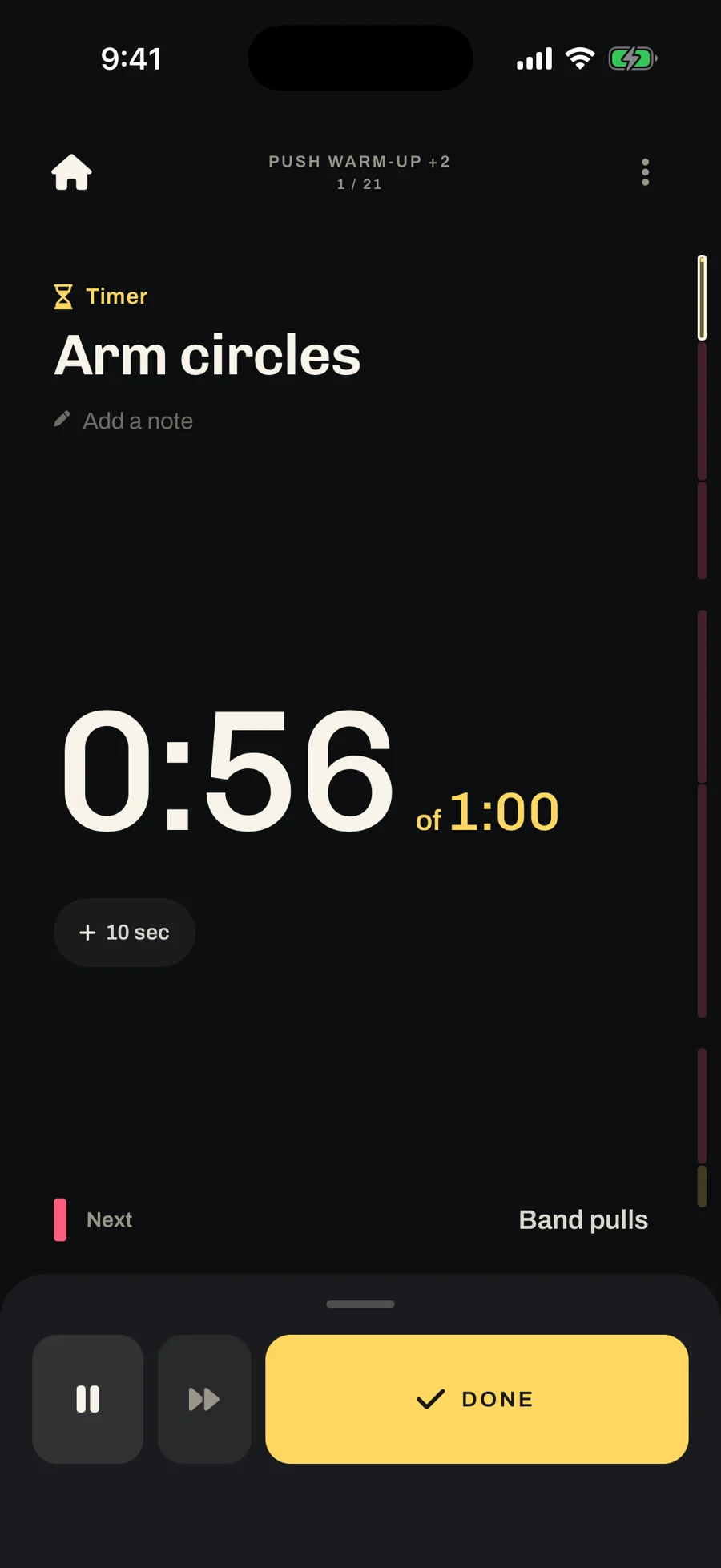
Mid-set, the only things you touch have to be obvious: tap anywhere to count a rep, and a Done button big enough to hit without looking. Anything you can’t take back is a hold, not a tap.
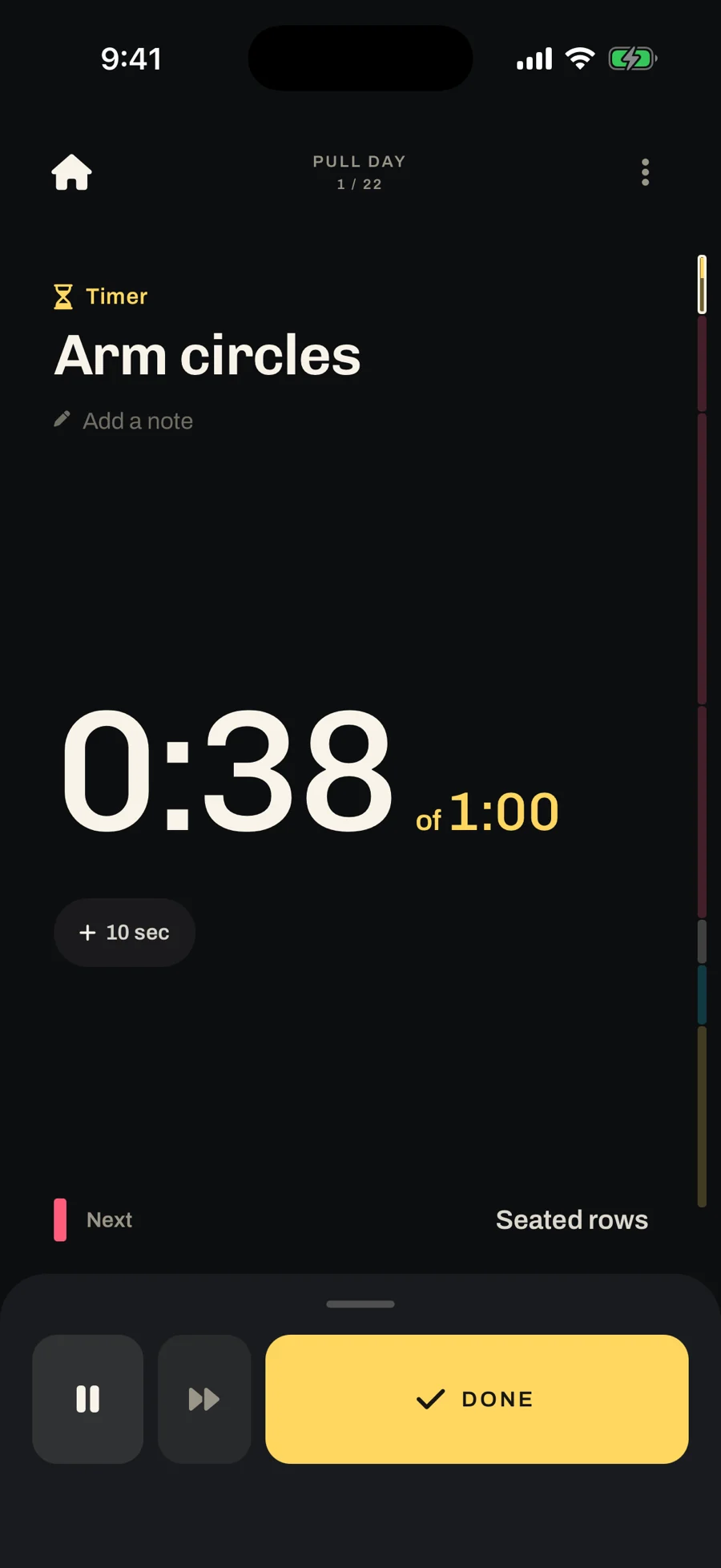
TimerCounts down, adds time
CounterTap anywhere to count
StopwatchCounts up to a goal
DistanceTap to add distance
Queue routines like songs
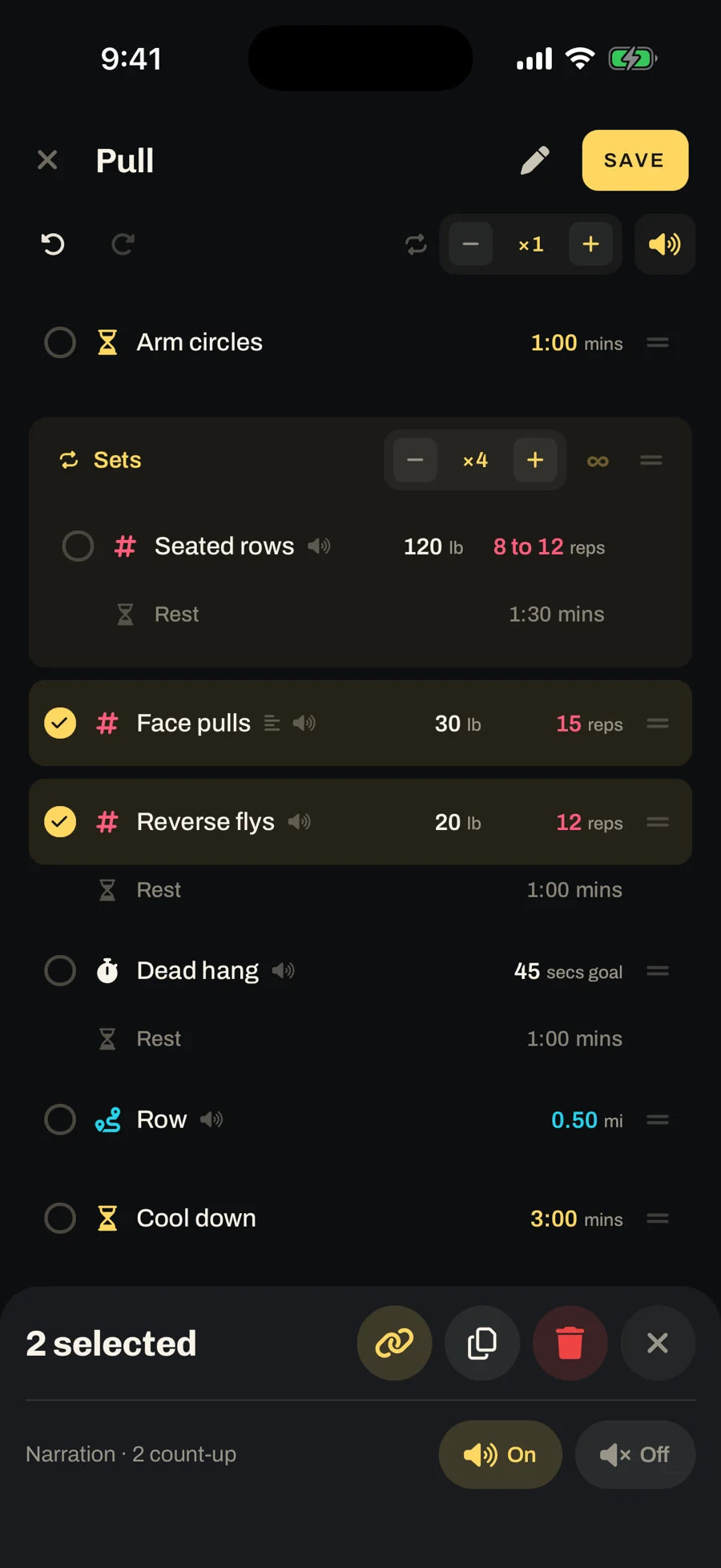
I kept rewriting my chest day: strength one week, endurance the next, functional after that, always with the same warm-up in front and the same core work behind. I was making a new plan every time, when what I needed was one more routine.
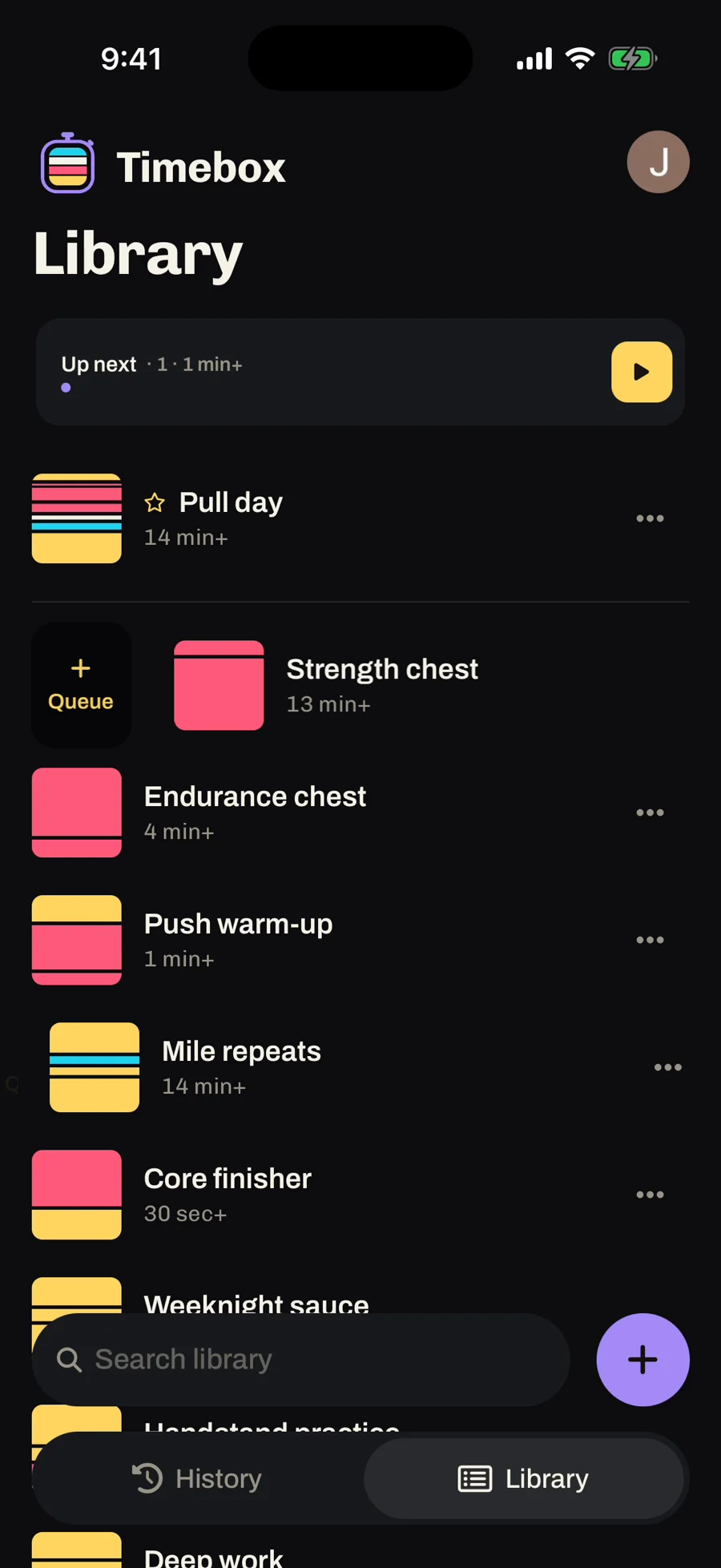
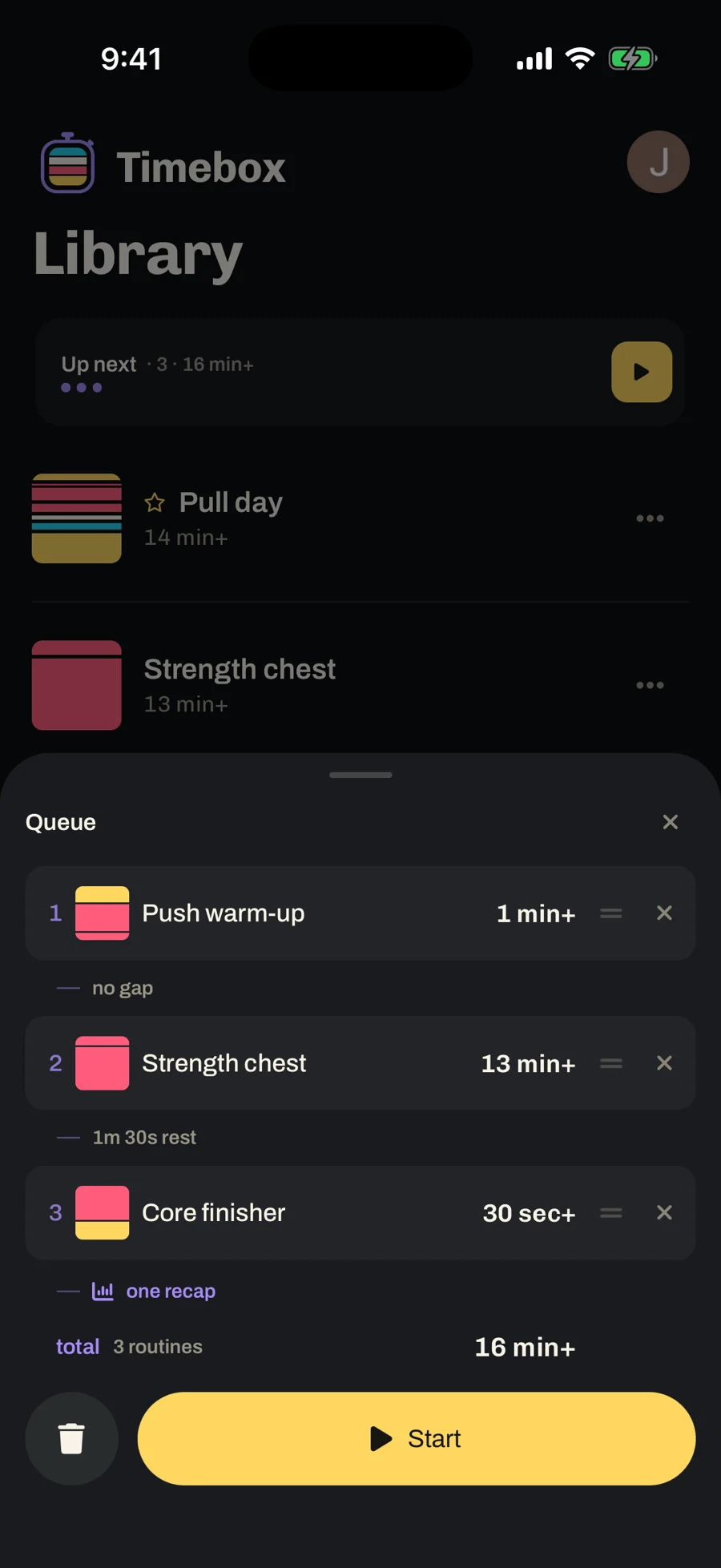
The idea came from music. You queue six songs, put the phone down, and stop thinking about it. Timebox does the same: swipe routines into the queue, press Start, and they play as one workout with one recap. Halfway through and want to add a run? Add it to the end without stopping.
Swipe a routine to queue it, the way most music apps do. The idea didn’t come from another workout app. It came from how music apps handle a queue.
1Swipe to queueA swipe on any row
2Up next, 3, 16 min+Ready from the Library
3The queueRest between entries, one recap
4One runPush warm-up +2
The rail: now and next
123
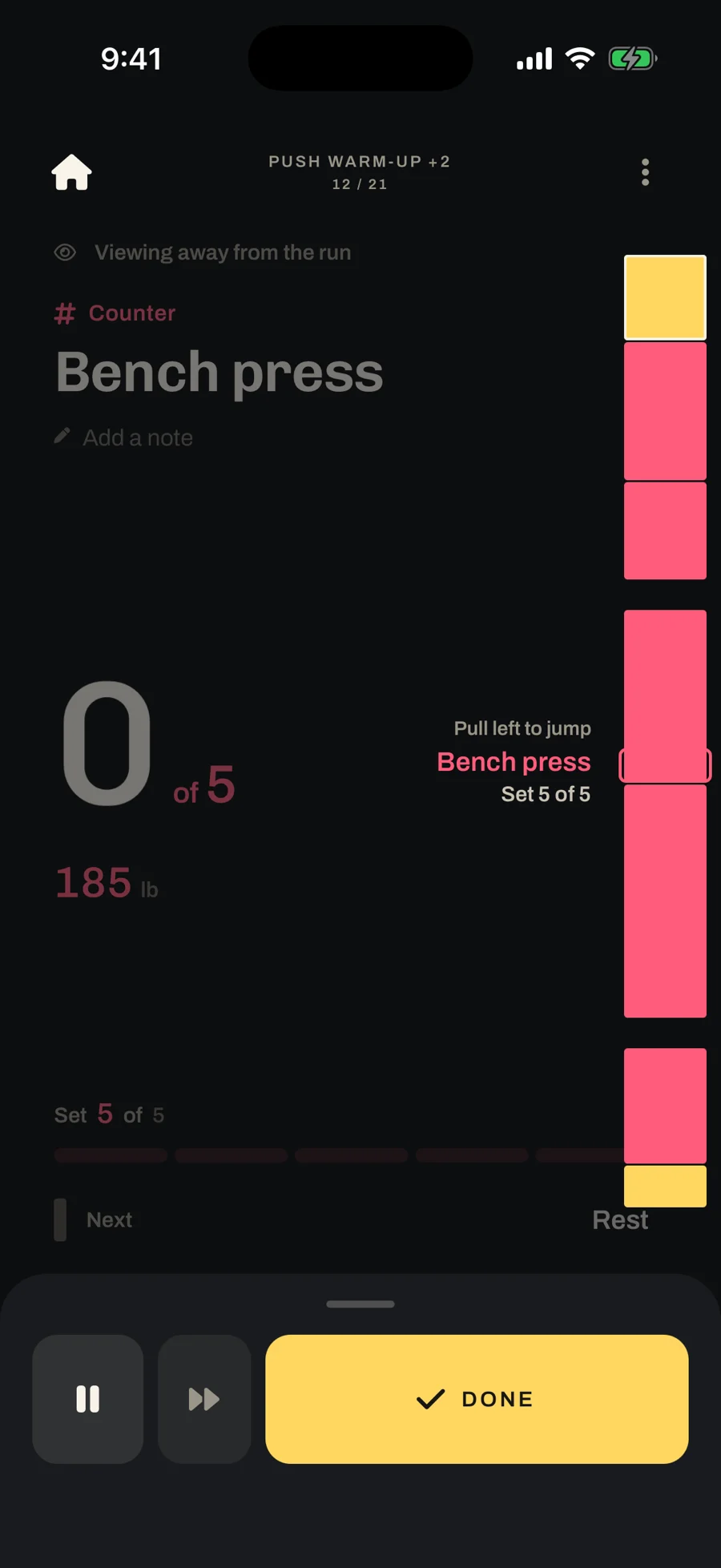
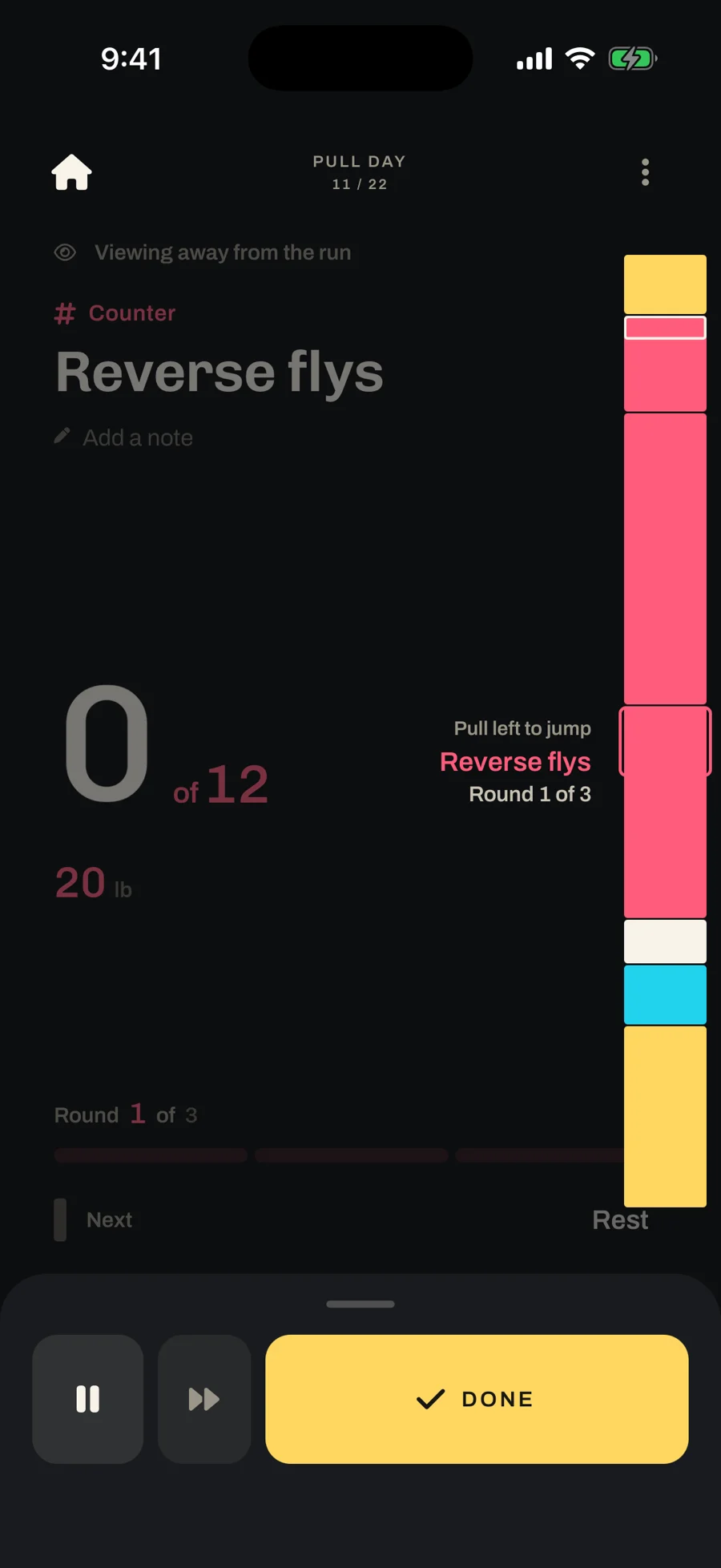
The strip down the right edge is the whole workout at once. It answers the two questions you have mid-set: what am I doing now, and what’s next.
1
One band per block, in order.
2
A gap where one routine ends and the next begins.
3
Tap it to look ahead at any block. The run keeps going where it is.
Mile repeats on the railFour rounds of runs and sprints in one stripPull day on the railPreviewing Reverse flys, round 1 of 3
The routine is the picture
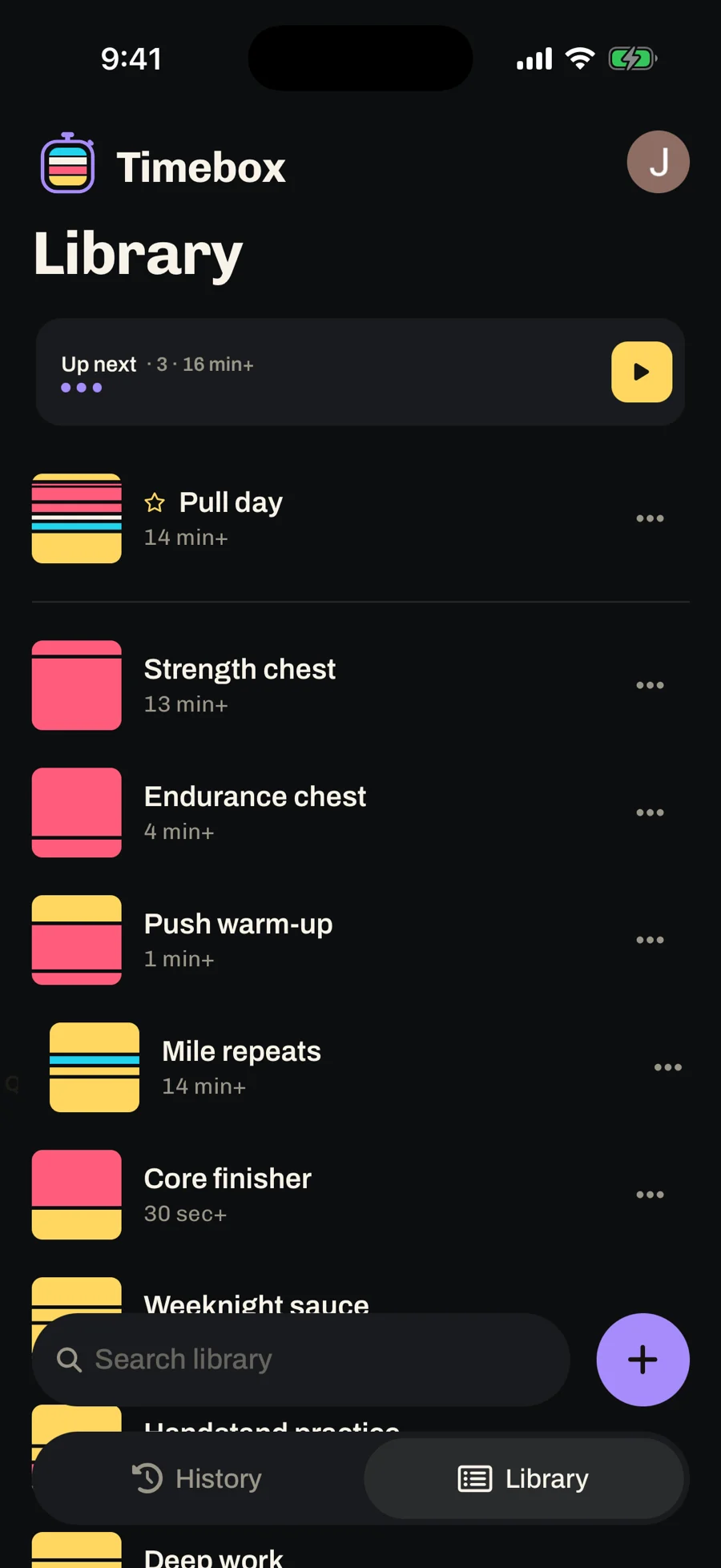
Before, routines were only names in a list, and a list of names is hard to scan. The rail was already drawing a band for every block, so each routine’s cover uses the same bands:
Pull day
Mile repeats
Deep work
The app icon
Yellow is time: timers and rest.
Red is reps.
White is an open-ended stopwatch, like a hold.
Cyan is distance.
A red-heavy cover is a lifting day. A yellow one is intervals or a focus session. A cyan stripe means there’s a run in it. The routine looks the same in the Library as it does mid-run.
It’s the default cover. Custom images could come later, but the point was a default that already looks different from every other routine. The app icon is the same idea: a stopwatch whose face is one band of each kind.
The run leaves the app
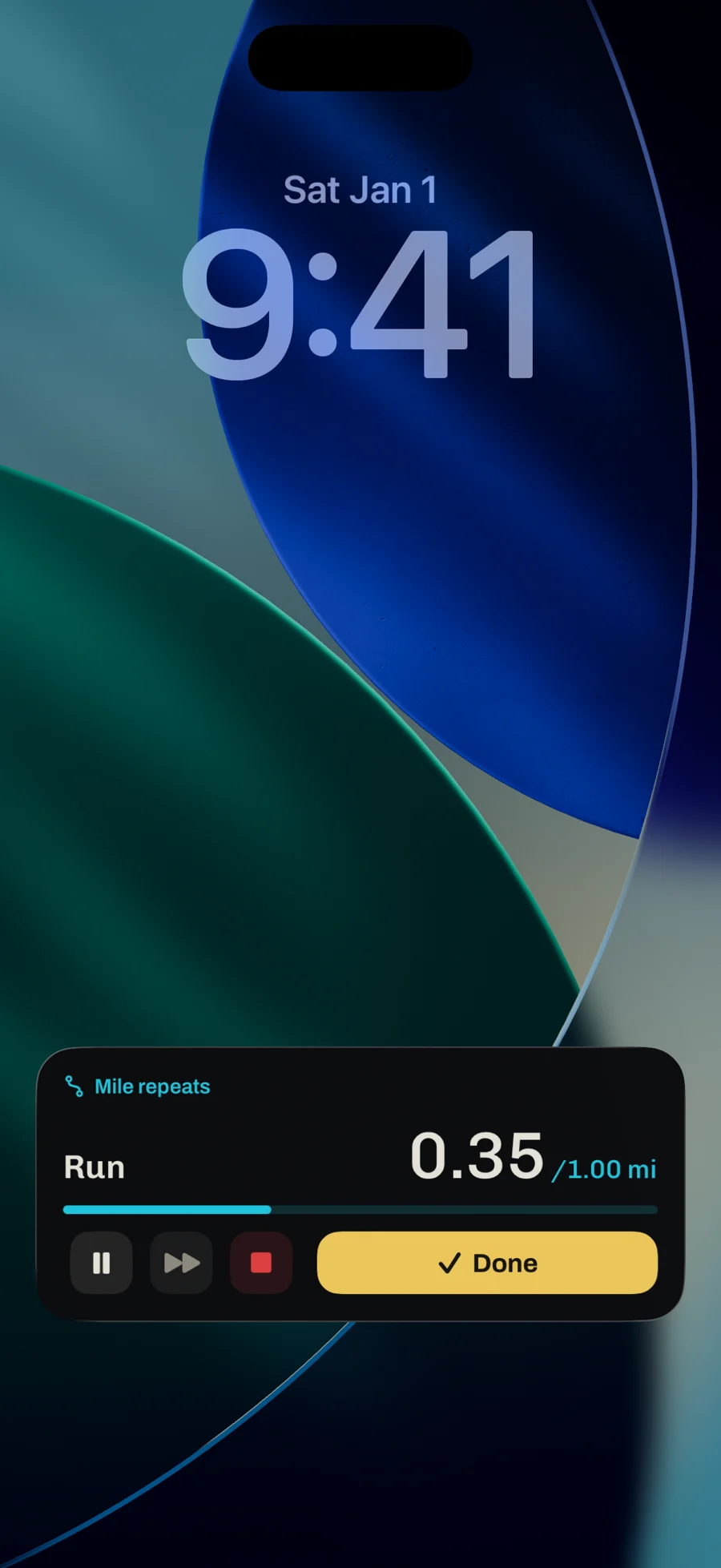
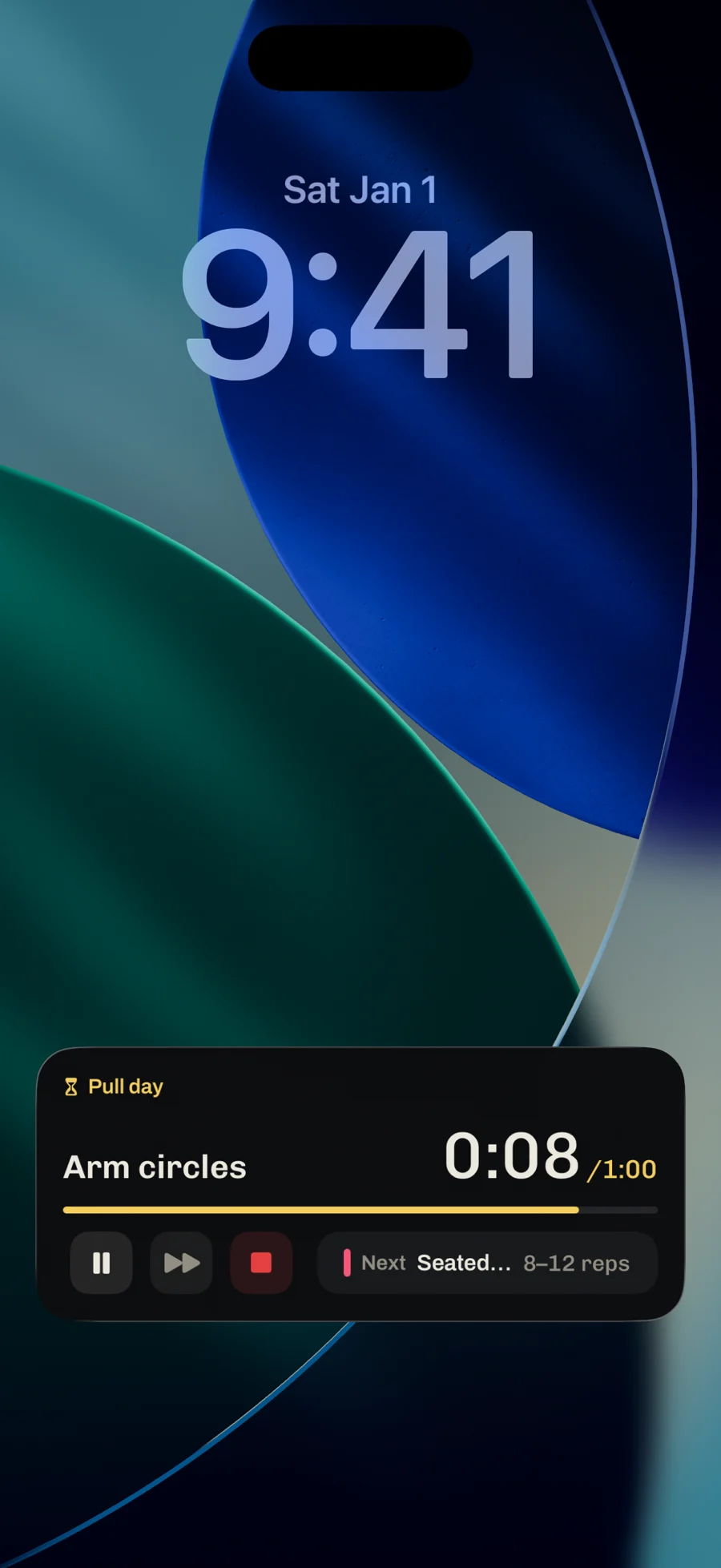
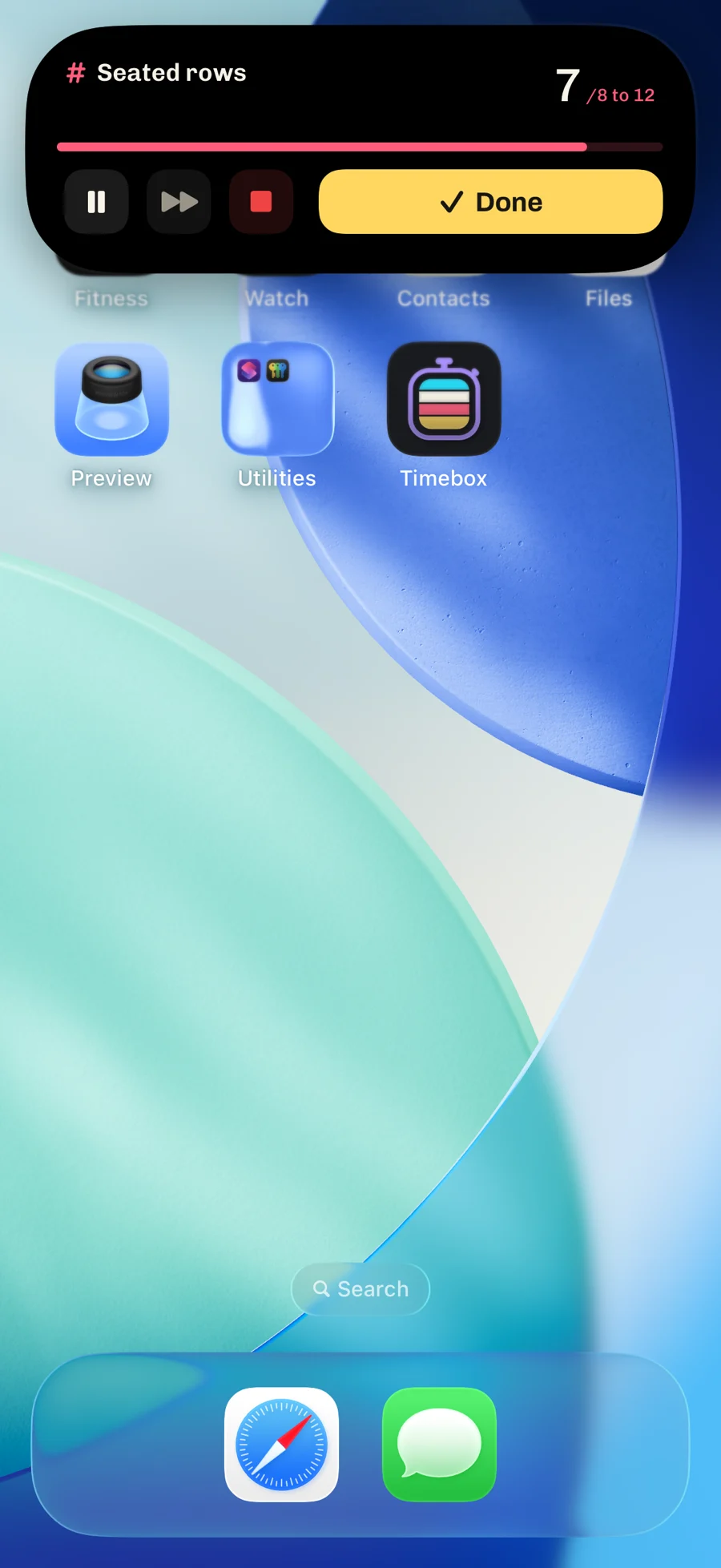
Once I used it every day, the annoying part was going back to the app at all. So the run doesn’t need the app. Start it and put the phone down. The lock screen and the Dynamic Island show the block you’re on, the count or the time left, and Done. With an Apple Watch you never touch the phone.
They aren’t summaries. They show what the app shows and take the same actions, because the moment a glance disagrees with the app, you stop trusting the glance. Headphones, a watch, or just the phone on the floor: any one of them is enough.
Mile repeats on the lock screenRun, 0.35 of 1.00 mi
What I’d do differently
Start native. Timebox began as a Next.js web app wrapped in Capacitor. What makes it work now, the lock screen, the Island and the watch, needed native code the wrapper couldn’t reach, so I rebuilt it in Expo. I didn’t know where it was going when I started, but I’d start native anyway.
Plans and routines were one thing. I built them as separate concepts and spent a long time trying to give each its own features, only to find they kept being the same. Late, I committed to routines only. Collections come next, as folders.
I still don’t know if it’s a workout app. I think I had to build it as one to learn what a good general timer needs. A Pomodoro has the same shape as a pull-up ladder.